Premise
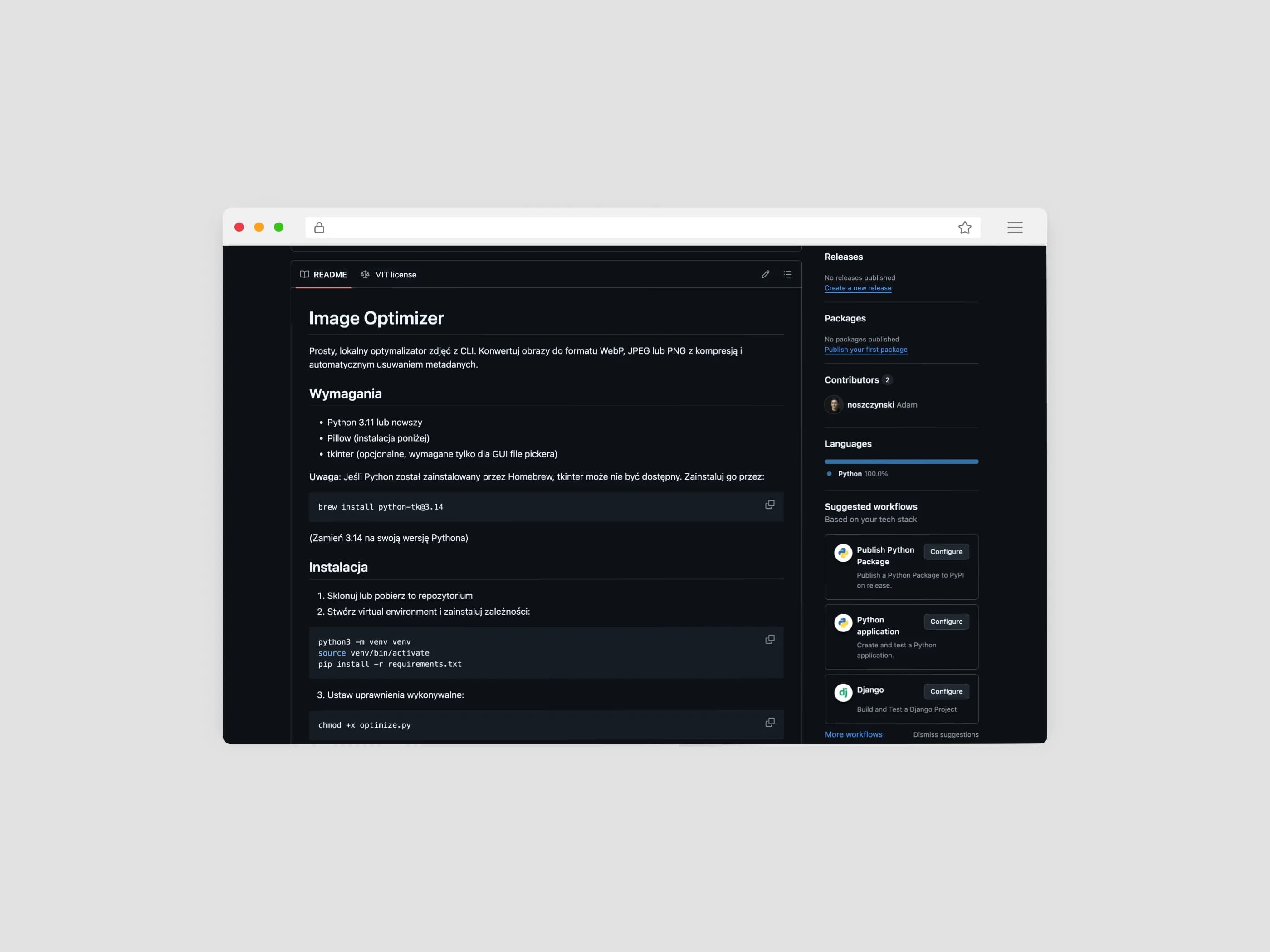
This project was built as a simple local image optimizer that runs from the terminal. The goal was to remove repetitive manual work when preparing images for the web: no external services, no hand-made exports, and no unnecessary metadata left in the final files.
How the tool works
The script accepts files passed directly in the CLI or opens a native file picker on macOS. It then converts images to the selected output format, applies the user-defined compression level, and saves a new version with EXIF metadata removed.

It supports input formats such as PNG, JPEG, JPG, WebP, BMP, GIF, and TIFF, while the output can be saved as WebP, JPEG, or PNG. The default setup is intentionally simple: webp format and 80 quality, which makes the tool convenient even for quick one-off usage.
Key functionality
The most practical part of the project is the balance between simplicity and control. The tool can process up to 20 files at once, reports storage savings after compression, and detects filename conflicts by asking whether the user wants to overwrite, skip, or rename the output.
That makes it a compact but useful example of a developer tool solving a specific operational problem: preparing lighter images for publication while keeping full control over output format, quality, and file naming.